

Free, no sign-up
Report card comment generator
and examples
Write a personalized report card comment in seconds, from Kindergarten to grade 12, in every subject. You read 3 versions, copy the one that fits and edit it if needed.
Looking for more examples? See our guide to report card comments.
Step by step
How it works in 3 steps
Fill in a few fields, read 3 different versions and copy the one that best describes your student.
Fill in the details
Grade (Kindergarten to grade 12), subject and grading period, pre-filled from today’s date. Then set three sliders: academic performance, behavior and progress. First name and extra notes are optional.
Get 3 versions at once
A recommended one (balanced, the default), an encouraging one and a firm one. Read them side by side and pick the one that fits.
Copy and move on
Copy the whole comment or just the sentence you need, and tweak it if you want. While it is being written, you can already start on the next student.
Report card comment examples by grade level
These examples follow the usual tone for each level: in elementary school the comment often speaks to the student and family warmly, while middle and high school comments use the third person and focus on habits and skills. Use them as a starting point and add one thing you actually observed. For a comment tailored to one student, use the generator above; for a larger bank of examples, read our guide to report card comments.
Elementary school (K–5)
Maya has grown into a confident reader this quarter and loves sharing what happens in her books. Next, she is working on sounding out longer words on her own.
Liam adds and subtracts within 20 with ease. Practicing math facts at home for a few minutes a day will help him move faster.
Ava is a kind classmate who includes others at recess. Her next goal is to raise her hand and wait her turn during group discussions.
Noah keeps his desk and folders organized and follows classroom routines independently.
At the start of the year, Sofia found it hard to stay on one task. She now works for longer stretches without reminders, which is great progress.
Middle school (6–8)
Ethan participates thoughtfully in class discussions and completes assignments on time. Reviewing his notes before quizzes will help his test scores match his classwork.
Olivia brings strong ideas to group projects but is easily distracted during independent work. Using a planner would help her keep track of deadlines.
Lucas has shown steady growth in writing this semester, especially in organizing paragraphs. He should keep adding evidence to support his claims.
Emma’s grade dropped this quarter because of several missing assignments. Checking the class website weekly and asking for help early will make a difference.
High school (9–12)
Jacob analyzes texts with insight and supports his arguments with well-chosen evidence. His contributions raise the level of class discussion.
Isabella has a solid grasp of the material but rarely participates. Sharing her thinking more often would strengthen her understanding and her grade.
Daniel’s test results vary widely from unit to unit. Consistent review between classes is essential as the course moves toward the final exam.
Grace works independently, manages her time well and holds herself to a high standard.
What comment fits each grade?
A grade does not tell the whole story, but it sets the tone of the comment. Many districts use letter grades (A to F), and others use standards-based grading. This table gives one example for each level.
Letter grade | Standards-based | Example comment |
|---|---|---|
A | Exceeds standard | Consistently goes beyond grade-level expectations and works with independence. Ready for more challenging tasks. |
B | Meets standard | Meets expectations with solid, reliable work. More detailed explanations would push this work to the next level. |
C | Approaching standard | Is making progress toward the standard but is not yet consistent. Regular practice will help these skills stick. |
D | Below standard | Is not yet meeting key expectations. Targeted review and check-ins with the teacher are recommended. |
F | Below standard | Has significant gaps in foundational skills and missing work. A support plan, shared with the family, is needed this term. |
Grading scales vary by district and school. If yours uses another scale, add it in the generator’s notes.
Progress report comments
Progress reports go home mid-quarter or mid-semester, before the final grade. Their job is to flag what is going well and what can still change, while there is time to act.
Jordan is off to a strong start this quarter, with all assignments turned in on time. Keep it up through the end of the grading period.
Mia currently has two missing assignments in science. Turning them in by Friday will have a real impact on her quarter grade.
Aiden is participating more in class since the start of the semester. Next, he should focus on showing his work in math.
Chloe’s reading log has been inconsistent. Twenty minutes of reading each night will help her reach her goal by the end of the trimester.
Ryan’s quiz scores are improving. Attending the after-school review sessions before the unit test would help him keep this momentum.
Lily is struggling with fractions right now. We are working on it in small groups, and practice at home would help.
End-of-year report card comments
The end-of-year comment looks back and ahead: it sums up the year and leaves a note for the next grade.
What a year! You grew so much as a reader and writer. Have a wonderful summer, and keep reading!
Henry was a dependable classmate all year and always ready to help. He is well prepared for next grade.
Zoe finished the year with steady effort that shows in her results. She has a strong foundation for next year.
After a difficult first semester, Owen made real progress this spring. He should carry this energy into next year.
Some key math skills still need work. Practicing during the summer is strongly recommended.
Report card comments by subject
A few short examples. In the generator, choose the subject and the comment focuses on the skills of that subject.
English Language Arts
Writes creative stories with vivid word choice. Next, she should focus on punctuation and paragraph breaks.
Reads with good comprehension and retells stories accurately in his own words.
Math
Solves problems accurately but needs to explain his reasoning step by step.
Tackles word problems with persistence and tries different strategies.
Science
Makes careful observations and records lab results with precision.
Social Studies
Connects historical events to today’s world in thoughtful ways.
Physical Education
Shows great effort, follows the rules and is a fair teammate.
Phrases to avoid and what to write instead
Some phrases show up on many report cards but tell families nothing. Here is how to rewrite them.
Avoid | Better | Why |
|---|---|---|
Could do better. | Practicing multiplication facts daily will help him solve problems with more confidence. | Says what to do and how. |
Is lazy. | Turns in about half of the homework; a weekly planner would help her keep up. | Describes the work, not the person. |
Good quarter. | Good quarter: his reading comprehension improved and he participates more. | Says what went well. |
Never pays attention. | Loses focus during long explanations; taking notes helps her follow along. | Avoids absolutes like never and always. |
Needs to try harder. | Needs to review class notes each evening to retain new material. | Sets a concrete goal. |
Every grade,
every subject
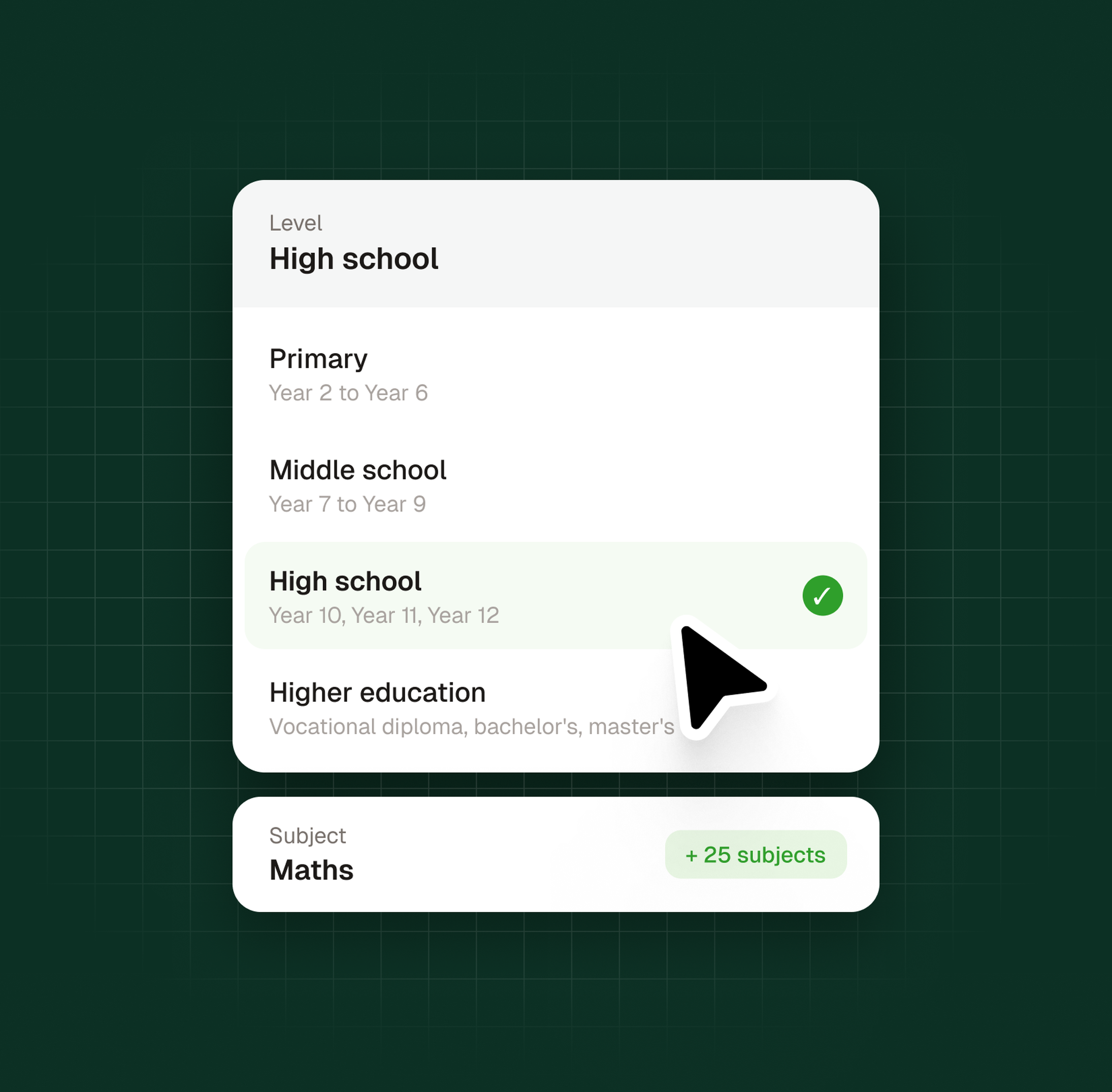
From Kindergarten through elementary, middle and high school. The generator adapts its tone to each level: warmer and simpler in the early grades, more focused on independence and study habits later on.
It covers the core subjects: English Language Arts, Math, Science, Social Studies, Spanish, French, Art, Music, Physical Education, Computer Science…
If your subject is not on the list, type it in and the generator uses it as a custom subject: electives, AP courses or any class specific to your school.
Best practices
4 rules for a useful report card comment
The generator applies these principles for you.
Knowing them helps you set the sliders and review the result with a critical eye.

Be specific
“Great student,” “could do better”: phrases like these say nothing. Name a behavior, an effort or a concrete step forward. A good comment could not be copied onto another student’s report card.

Balance strengths and next steps
A useful comment opens a path. Recognize what works and name the next step.

Write for the student and the family
Both read the report card. Use clear language and describe work and behavior, never the student’s character.
Be honest
Growing, steady or slipping? Say it clearly, without exaggerating or sugarcoating. Families need an accurate picture to help at home.
Report card, progress report, conference notes: what’s the difference?
Three documents that are often mixed up.
A report card comment is the teacher’s personal summary at the end of a grading period, next to the grade. This is what the generator writes.
A progress report comment goes home in the middle of a grading period, while there is still time to change the final grade.
Conference notes are talking points for a parent-teacher conference: more detailed, and usually not sent home as written.
Privacy
Your data stays yours
We do not store generated comments on our servers. What you enter is sent to an AI model only to write the text and is never used to train it.
The student’s first name is optional. Leave it out and you get a neutral comment.


Try Examino for free
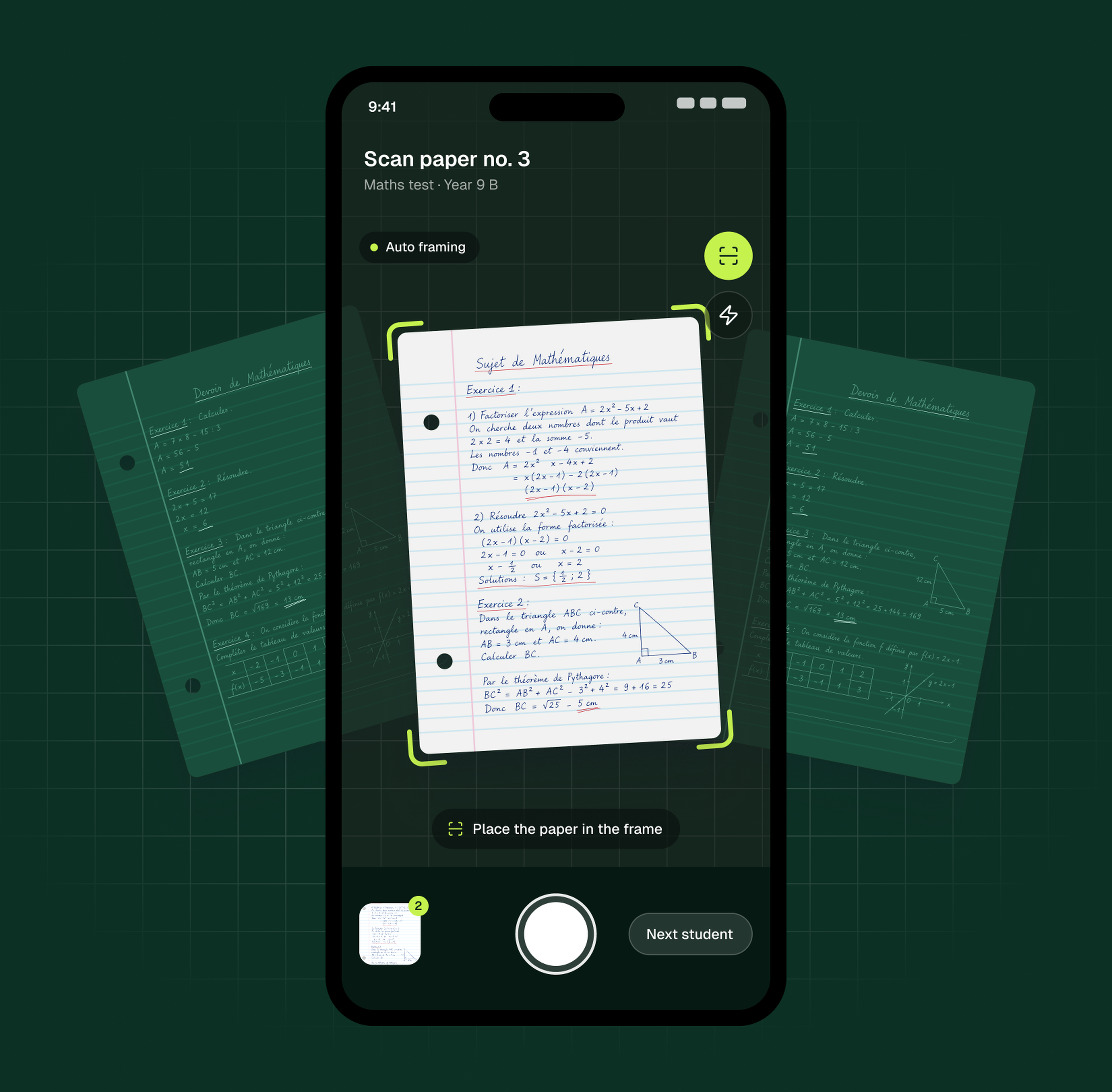
Scan handwritten papers with your phone camera, no app to install, and grade them with AI in any subject.
Maximize your teaching impact by minimizing your grading workload. 10 free papers a month.
Report card comments: frequently asked questions
Learn more
Related articles
 AssessmentReport Card Comments: A Teacher's Guide to Effective Student Feedback
Struggling to find the right words for your students' report cards? Crafting effective comments can be time-consuming, yet it's key for delivering meaningful feedback on academic progress.
This guide provides ready-to-use examples and practical advice to help teachers formulate insightful remarks - while building stronger parent communication and supporting consistent student growth across grade levels.
Learn how to craft constructive observations that highlight learning skills and encourage improvement, all while maintaining objective evaluation standards tailored to modern classrooms.
 March 7, 2025
 AssessmentAI feedback for students: beyond simple grades
Does a standalone grade truly guide progress, or does it leave students without clear direction? This guide explains how AI feedback for students works and how teachers review it before it reaches the class.
We explain how constructive, personalized comments on every assignment turn assessment into a continuous learning opportunity.
December 22, 2025 AssessmentThe 8 best free AI grading apps for teachers
Are you exhausted by the endless weekends spent grading papers?
We analyze the best free AI grading apps available today to reduce your administrative workload.
Discover how these tools, including our solution for handwritten papers, help you reclaim your time while keeping feedback consistent.
December 18, 2025
Your comments will show up here. You can generate several at once.