

Why AI Grading Is Becoming a Standard for Teachers in 2025
Moving Beyond the Red Pen: The Core Objectives of AI Grading
Let’s be clear: AI grading is no longer a futuristic concept but a practical toolkit for 2025. Its primary mission is crushing the overwhelming administrative workload that currently suffocates educators, specifically the grading pile.
The goal is never to replace the educator. Instead, it augments human capabilities, liberating hours for high-impact teaching activities that actually matter.
Adoption rests on three non-negotiable pillars: radical efficiency, enhanced grading equity, and access to deep pedagogical insights. These aren't just perks; they are the fundamental reasons why forward-thinking institutions are integrating these systems right now.
The Tangible Benefits: Efficiency, Equity, and Insights
These tools drastically reduce the hours lost to repetitive correction tasks. Consequently, students receive feedback while the topic is still fresh, rather than weeks later.
AI applies rigid criteria to every single paper. This consistency helps eliminate unconscious bias—like the halo effect—ensuring that every student gets a fair shake regardless of fatigue.
Beyond scores, these applications analyze class-wide performance trends. They pinpoint exactly where students struggle, providing granular data that allows you to tailor future instruction and address learning gaps before they become permanent.
Time-Saving: Automate the repetitive aspects of grading to focus on teaching.
Enhanced Equity: Apply consistent, unbiased standards to every student's work.
Actionable Insights: Gain a clear overview of class performance and common learning gaps.
How to Choose the Right AI Grading Tool for Your Classroom
With the benefits clear, the practical question remains: with so many options, how do you select the one that truly fits your needs?
Key Criteria for Selecting an AI Grader
Let’s be real: not all AI tools are equal. Your choice hinges entirely on your specific subject and teaching style. A math teacher needs different specs than a history buff.
Establish a checklist of non-negotiable features before searching. This prevents you from being swayed by flashy but useless add-ons. Focus on precision, formats, and customization.
Precision and Reliability: How accurate is the AI's assessment?
Format Handling: Does it support typed documents, PDFs, and even handwritten copies?
Customization Options: Can you use your own custom rubrics and grading scales?
Objectivity and Bias Control: Does the tool help ensure fair and consistent evaluation?
Integration: Does it work with your existing Learning Management System (LMS)?
The Importance of Custom Rubrics and Teacher Control
A "black box" AI is useless. The best tools let you input your own specific criteria. This ensures the evaluation is meaningful and aligned with your curriculum.
Remember, you are the expert. The AI works for you. You must have the power to review and override suggestions. This control is non-negotiable for maintaining pedagogical integrity.
Freemium vs. Free: Understanding the Limits
"Free" often implies a trial or limited features. "Freemium" offers a basic, usable version forever, with paid upgrades available.
Always check the fine print on any freemium plan. Look for caps on student submissions or locked features like rubric customization. For more insights, check out a complete teacher's guide to AI exam grading.
Top 8 Free and Freemium AI Apps for Teachers in 2025
With those criteria in mind, let's explore some of the most popular free and freemium tools available right now. These selections represent the best free ai grading apps and support tools currently shaping the educational landscape.
Tools for All-Around Support: Planning and Quizzing
Edcafe AI acts as a robust all-in-one platform for lesson planning and content generation. You can easily create quizzes and flashcards to engage students effectively. The service offers a "free forever" plan, though it comes with specific usage limitations for heavy users.
ClassPoint AI specializes in generating quizzes directly inside your PowerPoint slides. It supports multiple languages, making it compatible with diverse classrooms globally. Teachers can access a free basic plan to start adding interactivity without spending a dime.
Comprehensive Suites and Writing Assistants
MagicSchool AI offers a massive suite with over 50 tools, covering everything from lesson plans to IEP generation. It features an AI assistant named Raina to help streamline administrative tasks. A limited free plan allows educators to test its capabilities before committing.
While primarily a paraphrasing tool, QuillBot provides grammar and plagiarism checkers that are incredibly useful for teachers. It helps maintain academic integrity and refine content quickly. You get a permanent free plan, with premium options unlocking advanced features.
Presentation and Design Tools
PowerPoint Speaker Coach is a hidden gem free within Office 365. It helps both teachers and students rehearse presentations by analyzing pace and tone. This tool ensures your delivery is as polished as your content.
Gamma AI functions by instantly generating interactive slides and presentations from simple text prompts. It saves hours of design work. New users receive free starting credits, while paid plans are available for those needing unlimited access.
Specialized Grading and Feedback Platforms
Gradescope positions itself as a platform focused on grading and assessment across various subjects. It includes a plagiarism checker and detailed analytics to track student progress. A free version is available for individual instructors to manage their coursework efficiently.
Formative AI provides real-time feedback on student performance, allowing for immediate intervention. It helps personalize learning paths based on individual needs. The platform offers a free plan, making it accessible for teachers wanting to enhance classroom engagement.
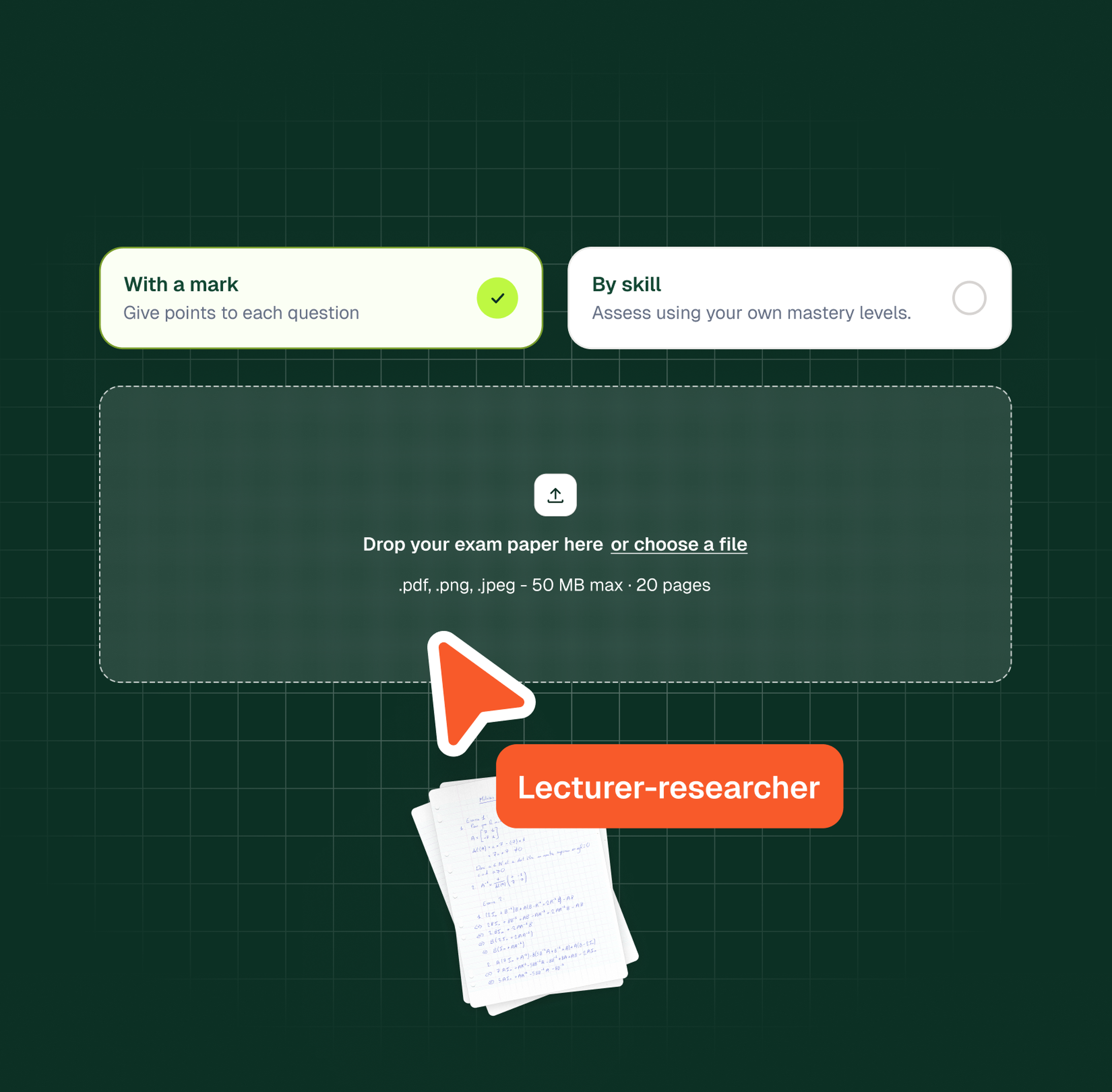
While these tools offer excellent support, many teachers still face the bottleneck of correcting physical papers. This is where our solution, Examino, offers an innovative approach. Unlike standard tools, Examino is fully compatible with handwritten copies, using advanced recognition to grade papers objectively. It helps eliminate grading bias and provides a clear overview of class performance. If you want to optimize the process and save valuable time, we invite you to start your free trial of Examino today.
The Unaddressed Challenge: Grading Handwritten Work
While these tools are powerful for digital assignments, they often miss a major part of a teacher's reality: piles of handwritten papers.
The Digital Divide in AI Grading
Most current AI graders are built exclusively for typed text. This limitation leaves out exams, essays, and homework done by hand. It represents a significant oversight in the market, ignoring the tangible reality of many classrooms today.
Teachers who still rely on paper assignments are left out of the benefits of AI grading. The process of manually transcribing work is too time-consuming to be a viable solution. You end up losing hours that could be better spent on actual teaching.
Examino: The Solution for Both Digital and Handwritten Papers
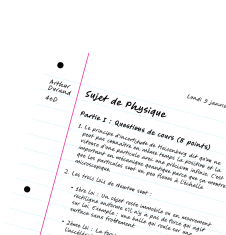
Examino acts as a specialized solution designed to bridge this gap. Our standout feature is the ability to correct handwritten copies using powerful AI and OCR technology. We process physical papers with the same speed and accuracy as digital files.
We go far beyond the handwritten feature. Examino provides a complete grading environment with customizable rubrics, bias elimination, and class performance overviews. Functioning as a powerful AI essay grader, our system keeps the teacher in full control of the final grades. This makes it a comprehensive tool, not just a one-trick pony.
Try Examino for free
The app lets you scan your handwritten papers using your smartphone to grade them with Artificial Intelligence.
Maximize your teaching impact by minimizing your grading workload.
Getting Started With AI-Powered Grading Today
Making the switch to an AI-powered workflow is simpler than it seems, especially when you start with a tool designed for real-world classroom needs.
Take Back Your Time With Smarter Grading
Let's be honest, manual grading consumes far too much of your personal schedule. Free ai grading apps return those hours, allowing for better lesson planning and student support. It is simply about working smarter, not harder.
The best way to understand the impact is to test it with your current workload. Grab a stack of papers and run a pilot using a freemium tool. You will likely see the efficiency gains instantly.
Examino stands out as the ideal starting point, particularly for correcting handwritten work. It addresses the grading challenges that digital-only tools often miss. You can eliminate bias and speed up the process now. Start your free trial of Examino today and see how much time you can save.
Adopting AI grading standards allows teachers to reclaim valuable time while ensuring equitable assessments. We provide the technology to handle both digital and handwritten tasks, effectively streamlining your workflow. By integrating these tools, you focus on student success rather than administrative burdens. Start transforming your grading process today.