

Tests, quizzes, worksheets and exit tickets, in every subject and grade level.
AI Paper Grader
for Handwritten Work
Give the test on paper, the way you always have. When the papers come back, your students scan their own pages with their phone: a QR code opens the native camera, nothing to install, and each paper lands in your dashboard. Examino then grades the whole class set against your answer key or rubric. You read the feedback, change any score you disagree with, and approve before a single grade is exported.
Made for the teacher holding a stack of paper
Paper comes in. Graded papers go out. Nothing gets retyped.

Reads handwriting,
math work and diagrams
Pencil or pen, print or cursive, an answer squeezed into the margin, a column of algebra with two lines crossed out, a labeled cell diagram, a fill-in-the-blank worksheet. Examino reads the page as it was written, multi-page booklets included, and grades it the same way it grades a typed submission.

Partial credit,
the way you give it
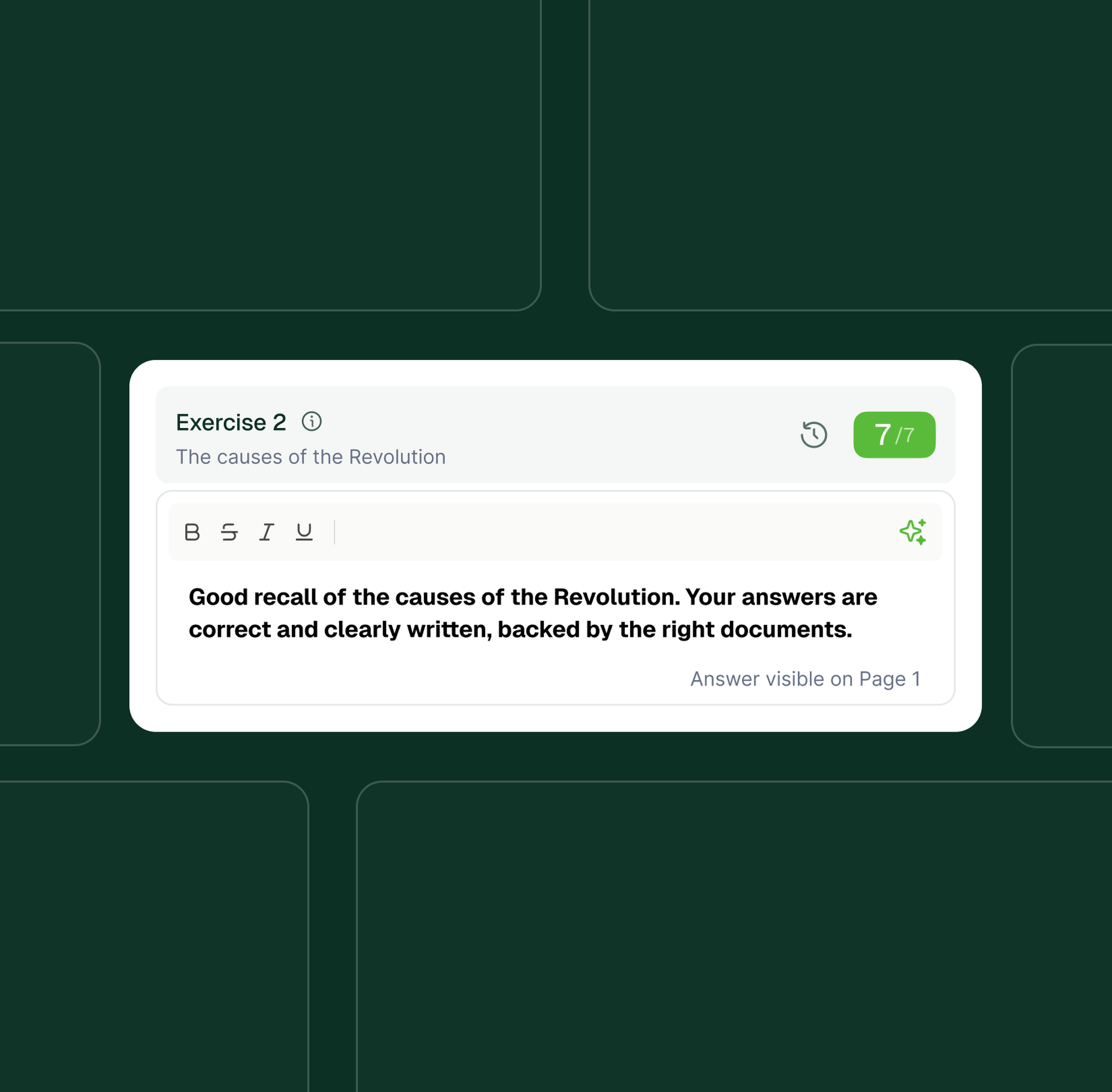
Load your answer key or rubric with the points you assign to each step or criterion. A student who sets up the equation correctly and slips on the arithmetic gets the method points you would give; a short answer that names the cause but not the effect gets the credit your key assigns. Every point awarded or withheld comes with the reason, so you can change it in a click.

Scanning that needs
no app and no PDF juggling
Most tools make you photograph every page, merge the photos into a PDF, upload the file, then sort it by student. With Examino you put a QR code on the board, each student scans their own paper with the phone camera they already have, and the pages arrive in your dashboard. Prefer the copier? Feed the whole stack through and Examino splits the PDF into one paper per student.
Scan and grade a paper test or exam in 3 steps
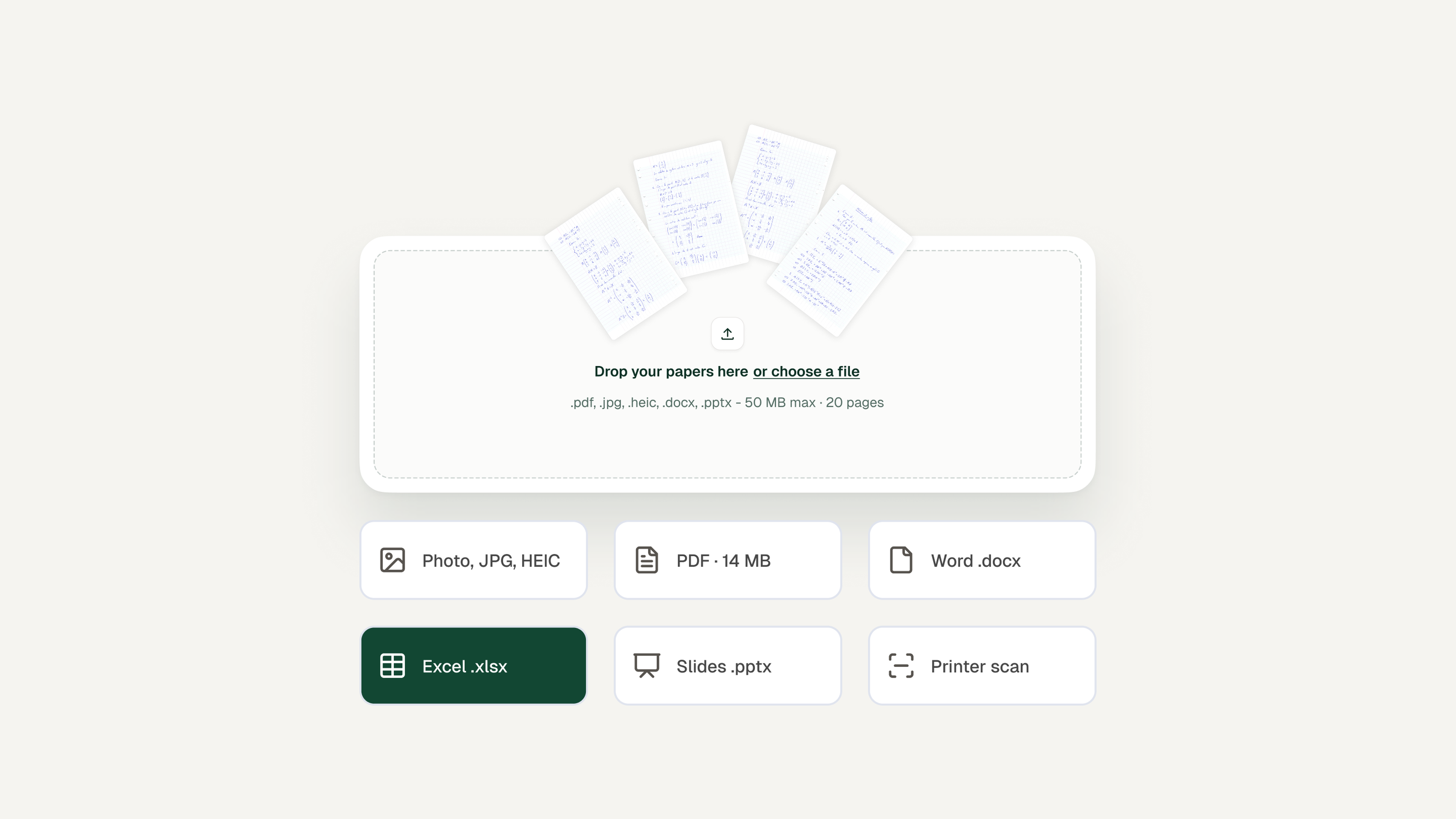
Collect, then scan.
Three ways in: students self-scan with the QR code, you photograph the papers with your own phone, or you run the stack through the copier and drop the PDF. Typed submissions, Word files and PDFs work the same way.
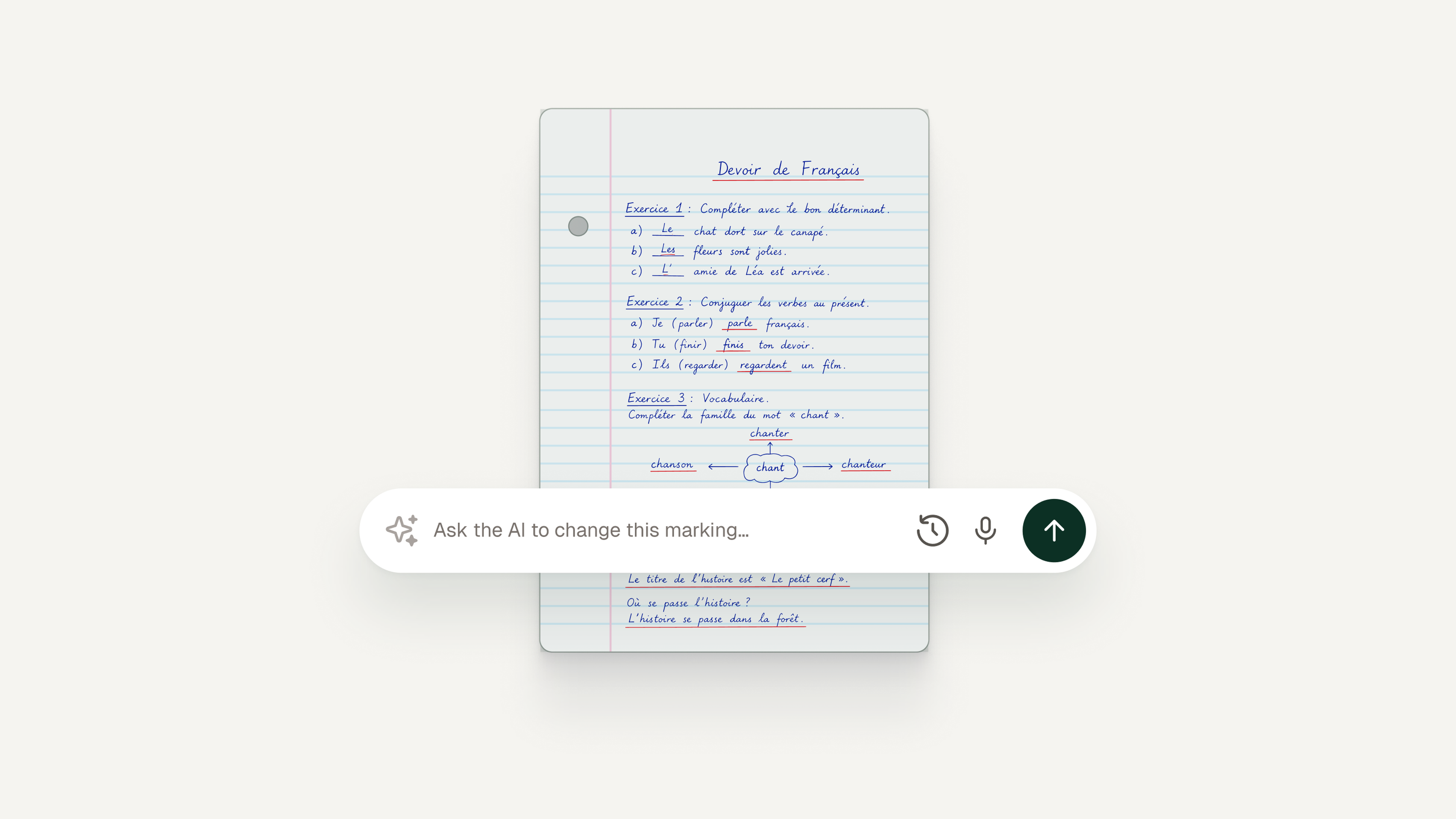
Give it your answer key.
Type the key, paste the rubric your department uses, or set points per question and let Examino draft the criteria for you to edit. It then grades every paper against that key, one question at a time, with a short written reason for each score. Want question 4 graded more strictly? Tell it in plain English and it re-grades that paper.
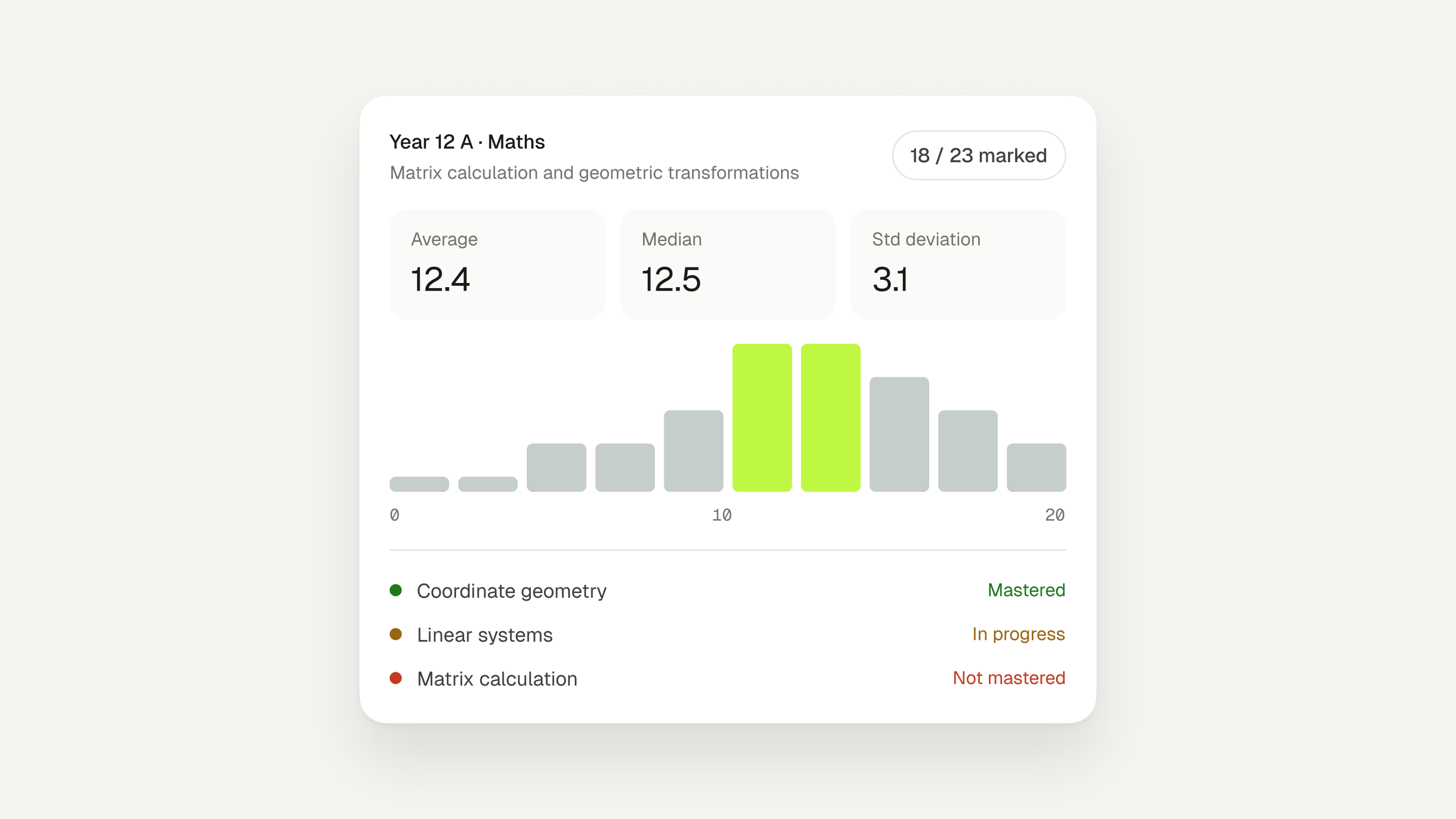
Review, edit, hand back.
Open the class view to see the average, the spread, and which questions tripped up the most students. Go through each paper, edit any score or comment, then approve. Nothing is exported until you have approved it. Export a Word or PDF report per student, with the answer key if you want it, and a grade summary for your gradebook.
An AI test grader for every subject you teach
Examino is not tuned to one course. Teachers use it for algebra homework, chemistry unit tests, geography map quizzes, reading comprehension checks, Spanish verb drills and civics short answers, often from the same account on the same afternoon. If you teach two preps, you set up two classes, not two tools. Used by 30,000+ educators, with 500,000+ papers graded.
Grading long-form writing? The AI essay grader scores essays criterion by criterion against your rubric. Grading proofs and multi-step problem sets? See the AI math grader. There are also pages for the ELA grader, the science grader for lab reports and the DBQ grader for AP History.
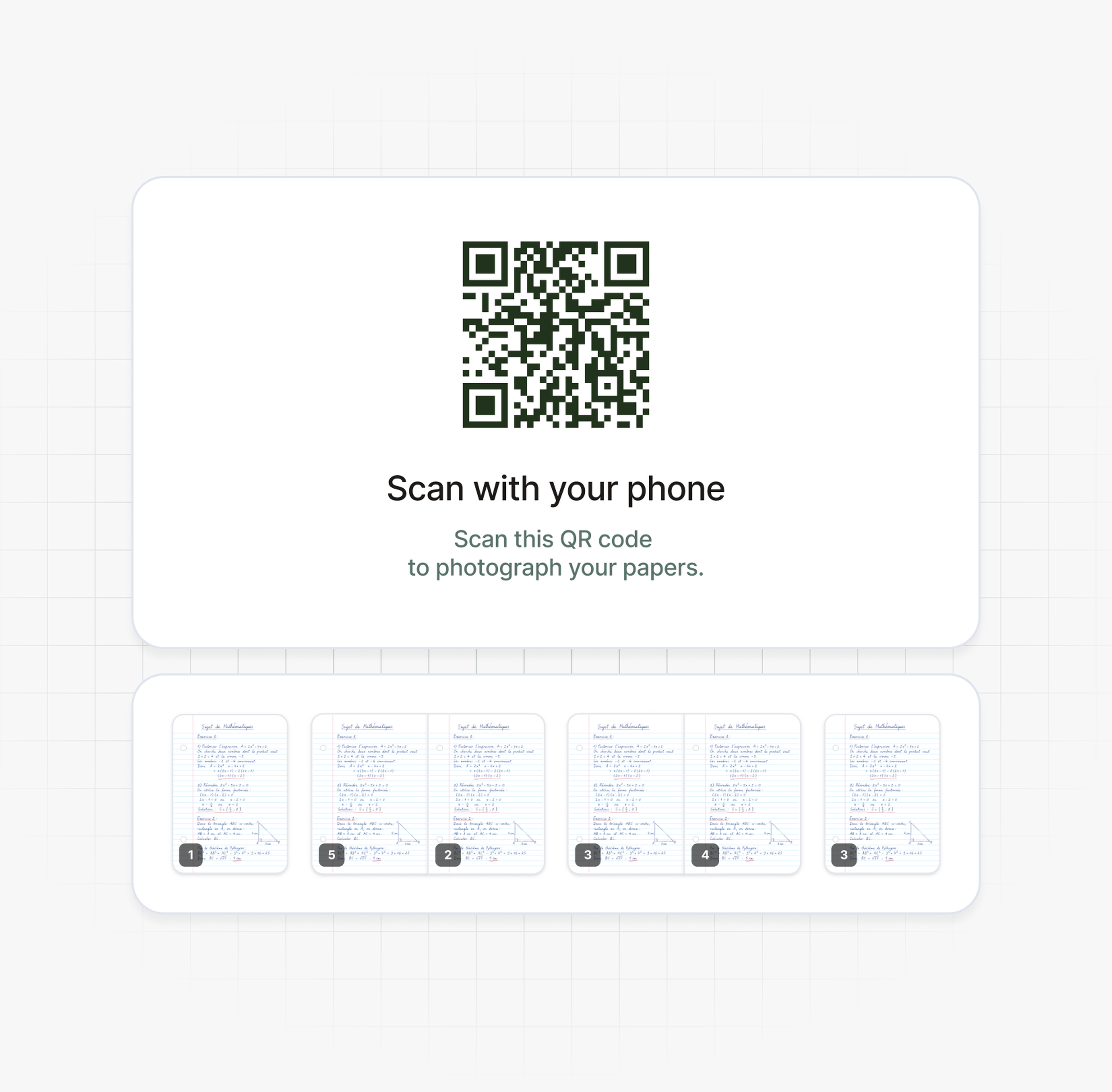
Scan student work
Students scan their own papers.
No app, no accounts, no PDF merging.
Project the QR code at the end of the test. Each student points their phone camera at it, snaps their pages and taps send. The scan opens in the browser, so nobody downloads anything or creates an account, and the paper shows up in your dashboard ready to grade. Absent student? Scan their paper yourself when it comes in.
Every subject, every grade level
Math steps, lab questions, map labels, conjugations: one grader
Because you supply the key, the subject does not matter to the grader. A biology teacher loads a rubric for a constructed response on photosynthesis; the algebra teacher next door loads an answer key with method points per step; the world language teacher loads a vocabulary quiz where accents count. Examino applies each key as written, from elementary school worksheets to college exams.
Targeted practice
Turn the missed questions into targeted practice
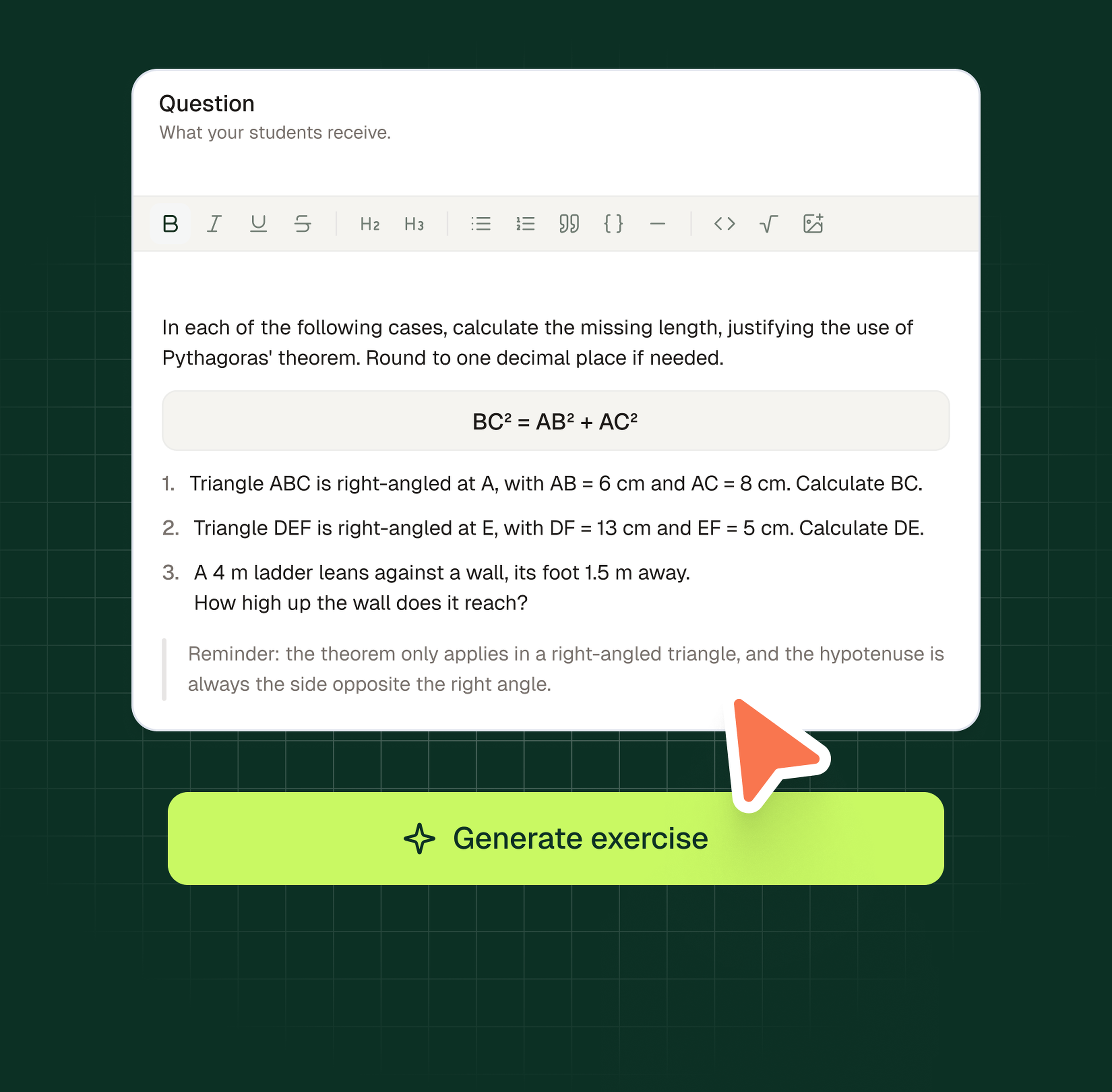
After the set is graded, Examino lists the skills each student missed: sign errors when distributing a negative, confusing mass and weight, misreading a bar graph, mixing up ser and estar. For each one it generates practice exercises on that exact skill, which you can hand out as homework, use on a reteach day or keep for an intervention group. The practice is built from the test you just graded, not from a generic bank.
Student privacy
FERPA-compliant, with student names kept to a minimum
Examino is FERPA-compliant. Student papers are hosted in the European Union, a student's name reaches at most one AI model across the whole grading process, and our AI providers are contractually prohibited from training on anything you upload. Papers are used to grade your class, nothing else. If your district needs documentation before you sign up, contact us and we will send it.
Simple pricing. Cancel anytime.
Grade 10 papers a month for free. Upgrade when the stack grows, cancel whenever you like.
Discovery
For teachers who want to try Examino: 10 free papers a month.
Free
Grade up to 10 papers / month
1 rubric edit per assignment
Unlimited targeted practice exercises
Chat customer support
Class overview dashboard
Export feedback to Word and PDF
Standard
Designed for individual teachers with regular grading needs.
$7.50
/ month No annual commitment
Grade up to 100 papers / month
3 rubric edits per assignment
Unlimited targeted practice exercises
Chat customer support
Class overview dashboard
Export feedback to Word and PDF
Cancel anytime
Plus
For teachers with intensive grading needs.
$17.90
/ month No annual commitment
Grade up to 300 papers / month
3 rubric edits per assignment
Unlimited targeted practice exercises
Chat customer support
Class overview dashboard
Export feedback to Word and PDF, without the Examino logo
Cancel anytime
Schools and districts
Designed for schools, districts, and higher education institutions.
Advanced analytics, premium support, and an admin workspace to manage licenses. Contact us for pricing.
Grading handwritten work with AI: your questions, answered
Something we did not cover? Email us at contact@examino.ai
Grade your next paper test with Examino
Hand out the test on paper, let your students scan it, and review a graded class set in your dashboard. The first 10 papers each month are free.
Our Blog
Learn more
 Artificial IntelligenceHow to scan and grade handwritten assignments with AI
Deciphering messy handwriting and scoring tall stacks of papers by hand is one of the slowest parts of teaching. AI tools can now read handwritten assignments and draft a first pass of grades and feedback for you to review.
This guide covers how to scan paper assignments, how to set up Examino with your rubric, and how to review the AI's draft grades and comments before anything goes back to students.
 December 17, 2025
 Artificial IntelligenceAI Essay Grading: The Complete Teacher's Guide
The integration of artificial intelligence (AI) in education has transformed traditional assessment methods. This guide aims to provide educators with a comprehensive overview of AI essay grading, its implications, benefits, and potential challenges, equipping teachers with the knowledge to adapt to this new landscape.
 December 31, 2024